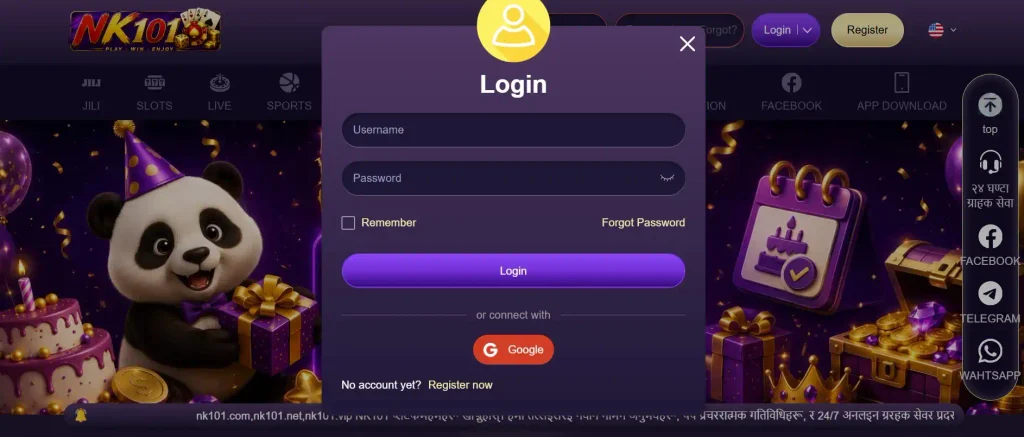








Who Can Create an Account
Before filling in anything, make sure you are eligible to use the platform. Availability can depend on where you are located, your age and the rules that apply to online gambling in your jurisdiction. Simply being able to open a website does not automatically mean that every service or payment option is available to you.
The age requirement shown during registration should be treated as the minimum standard. If you do not meet it, you should not attempt to bypass the restriction by entering a different date of birth.
Another basic rule is to use your own information. A gaming profile can eventually be connected with deposits, withdrawals and identity checks. Registering under another person’s details can therefore create problems that are difficult to fix afterwards.
Players considering NK101 registration Nepal should also look at the available currency, payment options and account terms before proceeding. These details are more relevant than simply checking whether the home page loads.
What You Need to Get Started
You do not need much equipment to begin. A modern smartphone or computer with a stable internet connection should be enough to access the registration page. Keep your active mobile phone nearby because a confirmation code may be required.
The form itself can vary as the platform updates its interface, but new users should generally be prepared to provide some basic personal and contact information. Enter everything carefully rather than relying on autofill without checking it.
Before you begin, it helps to have:
- an active mobile number that you control;
- a secure password that you have not used on other websites;
- accurate personal information where requested;
- access to your phone for possible SMS confirmation;
- enough time to read the account and promotional conditions.
Do not share an SMS code or password with another person who offers to complete registration for you. There is little benefit in saving a minute if it means giving someone else access to your profile.
NK101 Sign Up Step by Step
The NK101 sign up procedure is easier when treated as a short sequence rather than a form to complete as quickly as possible. Start by opening the registration area and read the fields before entering information.
Choose the appropriate country or regional option if one is presented. Enter your active phone number in the requested format and create a strong password. Complete any other mandatory fields visible on the page.
If a currency selector is available, stop and check the choice before confirming. Currency settings can affect how balances, deposits and withdrawals appear inside the account, and changing them later may not always be straightforward.
The general process can be summarised like this:
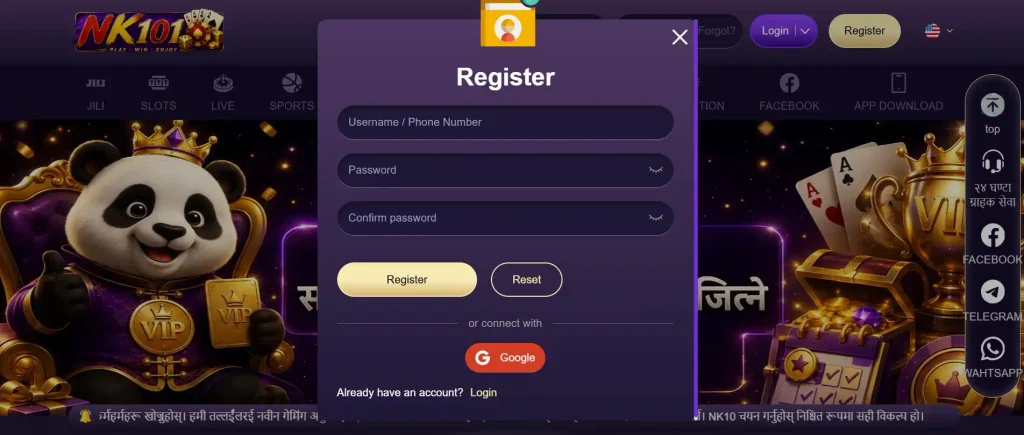
- Open the registration page.
- Select the relevant country or regional setting where required.
- Enter your current mobile number.
- Create a unique password.
- Complete the remaining mandatory fields.
- Add a promotional code only if you have a valid one and the form provides a field for it.
- Read the applicable conditions.
- Submit the form.
Never assume that a field is optional simply because you do not understand why it is there. Check the label or help information first.
Registering via Mobile Browser
A mobile browser is probably the simplest route for someone who does not want to install anything. Open the platform on your phone and locate the registration button. The form should adapt to the smaller display, allowing you to enter the required details directly from the browser.
Pay particular attention to automatic formatting. Phones can add spaces to numbers, capitalise characters or insert saved information from an unrelated form. Check each field before pressing the final button.
One advantage of registering this way is that the same phone can receive a verification message. You can copy or type the code without moving between different devices. After registration, saving the legitimate page as a browser bookmark can also make future access easier.
Registering in the Android App
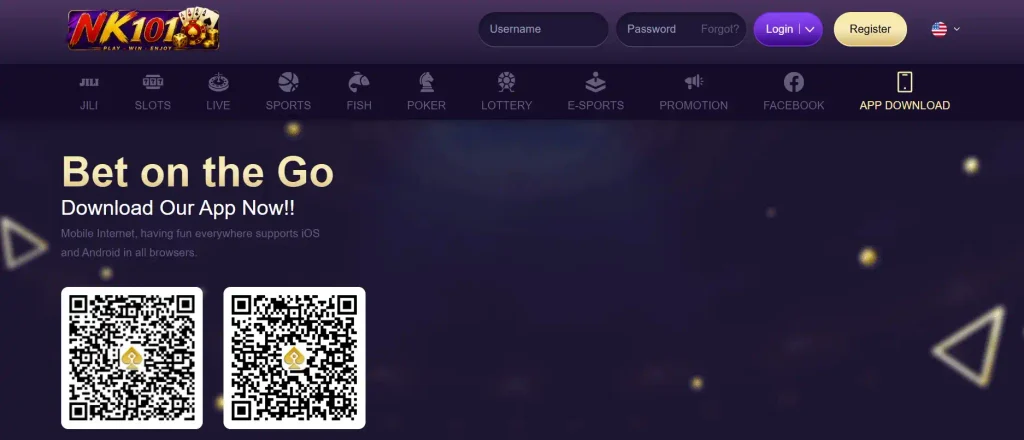
Android users who prefer an app can complete a similar process through the mobile application when an official Android version is available to them. Obtain the installation package only through a channel identified by the platform. APK files from random download pages can be modified or outdated, so there is no good reason to take that risk merely to install the app faster.
Once installed, open the application and find the registration option. Enter the same accurate information you would provide in a browser. If you already created a profile on the website, do not make another one just because you have installed the app. Use the existing credentials instead. In other words, NK101 create account is an account-level action, not something that needs to be repeated for every device.
Phone Verification Explained
Phone verification helps connect a profile with a number the player can access. Depending on the current procedure, the platform may send a short code by SMS during registration or when a sensitive account action is performed.
When the message arrives, enter the code in the corresponding field. Check that the digits are correct before submitting them. A verification code should be treated like temporary security information. Do not post it in a public chat or send it to someone claiming they can activate your profile more quickly.
If the message does not arrive immediately, avoid requesting many codes one after another. First check the phone number and country code. Make sure the device has network reception and wait for the normal delivery window. You can then use the resend option if one is available. If repeated attempts fail, support is a better next step than continuously requesting new messages.
First Steps after Registration
Finishing the form is not the end of the setup. Before placing a bet or depositing money, spend a few minutes inside your new profile. This is the easiest moment to spot an incorrect phone number, unfamiliar currency or incomplete personal detail.
The NK101 account can serve as the central point for gaming activity, transactions and profile settings, so getting those basics right is useful from day one.
Checking Your Profile
Open the profile or account settings and review the information displayed there. Look at your contact details and any personal data you provided.
If something is incorrect and cannot be edited manually, contact support rather than opening a replacement profile. Creating another profile can make the situation more complicated, especially if the platform operates a one-account-per-player rule.
This is also a good time to learn where important sections are located. Find the cashier, transaction history, support area and security settings before you actually need them. A few minutes of orientation now makes the interface much easier to use later.
Making the First Deposit
Registration itself and depositing are separate actions. You can first inspect the lobby, profile and cashier without immediately funding the balance.
When you are ready to deposit, open the cashier and check the methods currently offered for your profile. Availability, transaction limits and currencies can depend on the payment channel and region, so the information shown there is more useful than assuming a particular method will be supported.
Before confirming a payment, review the amount, currency, minimum deposit and any fee information displayed. Use a payment method that belongs to you. It is also sensible to start with an amount you are comfortable treating as entertainment spending. There is no practical reason for a first deposit to be larger simply because the account is new.
Claiming the Welcome Bonus
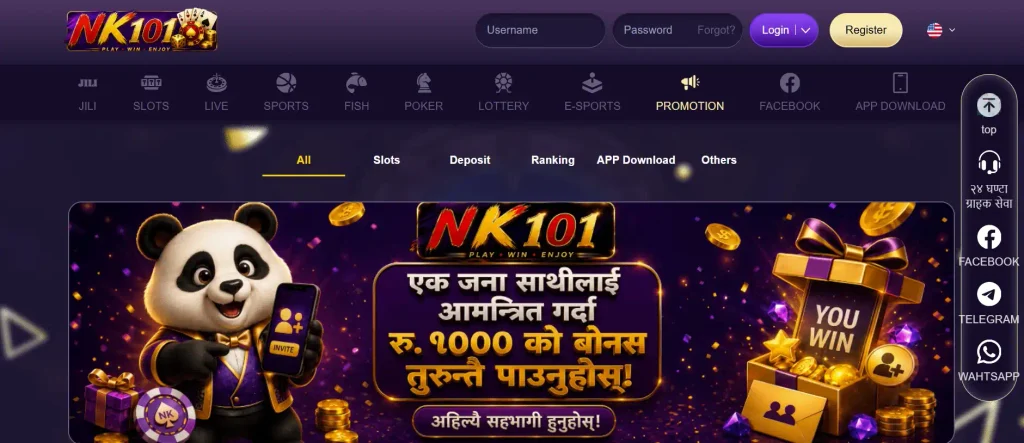
A welcome promotion can look attractive, but the headline number does not tell you everything you need to know.
Check whether the offer has to be selected before depositing or whether it is applied through another mechanism. Then read the current terms. Pay attention to the qualifying deposit, wagering requirement, eligible games, expiry period and any other restrictions attached to the reward.
A useful comparison is:
| Detail | What to Check Before Claiming |
| Minimum deposit | Amount needed to activate the offer |
| Bonus value | How the reward is calculated |
| Wagering | Turnover required before applicable withdrawals |
| Eligible products | Games or bets that qualify |
| Validity | How long the promotion remains active |
| Restrictions | Stake or withdrawal conditions, if any |
If you do not understand a condition, clarify it before accepting the promotion. A bonus is optional; understanding what you activate matters more than claiming it immediately.

Common Registration Problems
Most sign-up difficulties are fairly ordinary. They often come from typing errors, an existing profile or delayed phone verification rather than a serious technical failure.
One common issue is a phone number being rejected. Recheck the country prefix and make sure you have not accidentally added or removed digits. If the number is already associated with an existing profile, try recovering that profile rather than creating another one.
A password can also be rejected when it does not satisfy the required format. Follow the password instructions displayed beside the field and avoid predictable combinations such as a name followed by a birth year.
Other problems can include an expired SMS code, unstable connection, a registration page that was left open for too long or a promotional code that is no longer valid.
If you encounter an error while trying to register NK101, take a screenshot of the message before refreshing the page. That gives support something specific to investigate if the issue continues.
Avoid submitting the same form repeatedly. Multiple attempts with slightly different information can make troubleshooting harder.
Logging In to Your New Account
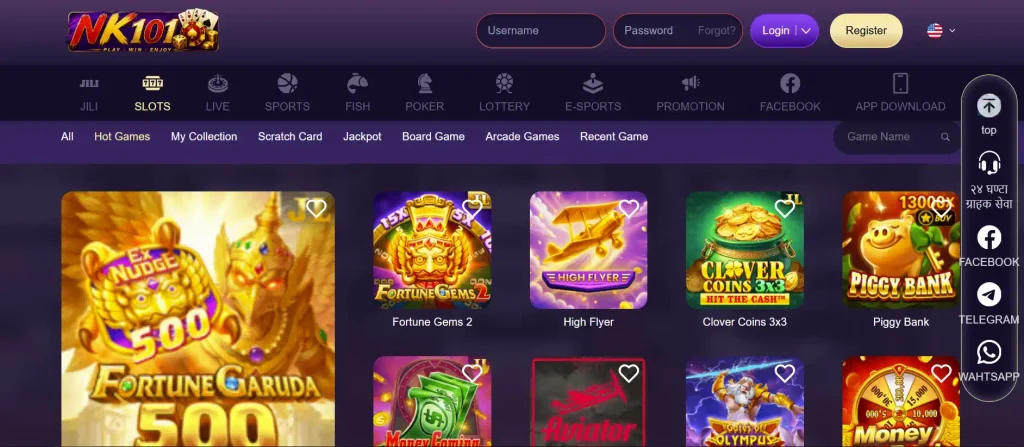
Once registration and any required confirmation are complete, signing in should be straightforward. Open the login area and enter the credentials linked to the profile.
If your browser or app offers to remember the password, consider whether the device is genuinely private. Saving credentials on a personal phone can be convenient, while doing the same on a shared computer is an unnecessary risk.
If you forget the password, use the official recovery function rather than guessing repeatedly. Too many unsuccessful attempts can trigger a temporary security restriction.
The same profile should generally be used when moving between supported devices. You do not need a separate identity for your phone, Android application and desktop browser.
Finally, be cautious with pages that imitate the appearance of a familiar gaming service. Before entering login information, make sure you reached the intended platform through a channel you trust.