







App or Mobile Site: Which to Pick
Both options are designed for a smartphone, so the decision mostly comes down to convenience. A mobile website requires no installation. Open a compatible browser, sign in and start using the available sections. It is the simplest choice for someone who plays occasionally or wants to avoid using additional phone storage.
The NK101 Mobile App makes more sense for frequent access. Once installed, it has its own icon and opens independently instead of running as another browser tab. Players who regularly switch between casino games, sports markets and their account area may find that setup more comfortable.
Neither option requires a separate gaming identity. The important difference is how you access the service, not what account you own.
| Feature | Android Application | Mobile Website |
| Installation | Required | Not required |
| Home-screen access | Direct app icon | Browser or shortcut |
| Storage space | Uses device storage | Minimal local storage |
| Updates | May require a new package | Website updates automatically |
| Account | Existing profile can be used | Existing profile can be used |
| Best suited to | Regular mobile users | Occasional or storage-conscious users |
For a new player, trying the website first is a reasonable approach. If the interface feels comfortable and you expect to return regularly, installing the application becomes a matter of convenience.
How to Download the NK101 APK
The most important part of downloading an Android package is choosing the correct source. Avoid collecting installation files from random APK directories, social media comments or links sent by unknown users. A modified package can look legitimate while containing software that has nothing to do with the gaming service.
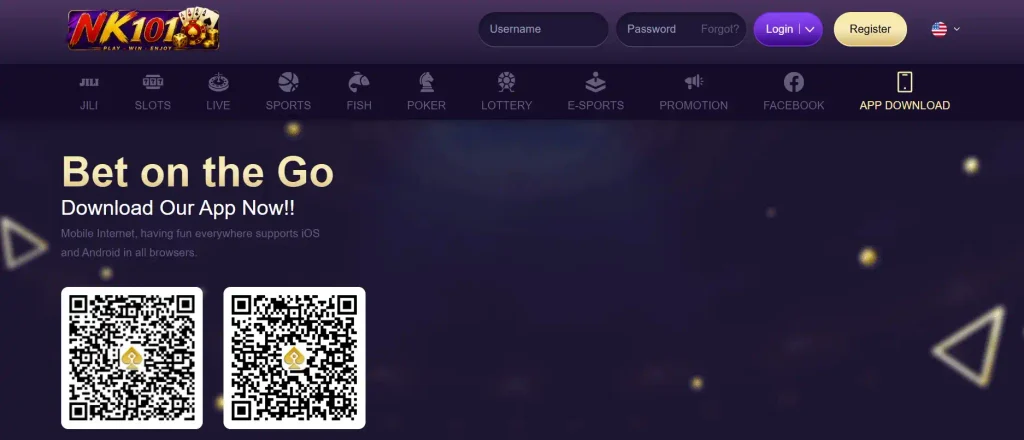
For an NK101 App Download, start from a channel identified by the platform itself and locate the Android download option. Once selected, the browser should begin downloading an .apk file.
The normal sequence is:
- Open the platform through a trusted address.
- Find its Android or application download section.
- Select the download option for Android.
- Confirm the browser download if Android displays a warning.
- Wait until the APK has completely downloaded.
- Open the downloaded file from the browser or Downloads folder.
- Continue with Android’s installation prompts.
Do not rename an unfamiliar file merely because its name does not look right. If you are uncertain that you downloaded the intended package, delete it and start again from a trusted channel.
Players searching for NK101 APK Nepal should apply the same rule. Regional availability does not make third-party download repositories safer.

Installing the App on Android
After the package has downloaded, Android needs permission to install it. This is where the procedure differs from installing an ordinary Play Store application.
Tap the downloaded package. If your device already allows that browser or file manager to install applications, the standard installation screen should appear. Otherwise, Android will ask you to adjust a permission first.
Read the prompts rather than tapping through them automatically. The wording and menu location can vary between Android manufacturers and operating-system versions.
When installation finishes, the new icon should appear in the application list or on the home screen. Open it and reach the login page before deleting the downloaded package.
The NK101 Android App should use the same credentials associated with your existing profile. Installing software is not a reason to register a second account.
Allowing Installs from Your Browser
Modern Android devices usually manage APK permissions per source. Instead of enabling one broad setting for every unknown application, you may be asked to allow your particular browser to install the downloaded file.
When prompted, open the relevant Android settings page and temporarily permit installation from that source. Return to the download and tap the package again.
After the application has installed successfully, you can disable that permission. This prevents the browser from installing other packages unless you deliberately allow it again.
This small security habit is worthwhile because APK installation bypasses the usual app-store installation route.
Device Requirements
There is little value in quoting a single Android version unless the current download page explicitly specifies one. Requirements can change when an application is updated.
Before installation, make sure the device has enough free storage and runs a supported version of Android. A stable internet connection is also useful because the application may need to retrieve additional interface or gaming data after it opens.
A practical pre-installation check includes:
- sufficient free internal storage;
- an Android version accepted by the current application;
- a stable Wi-Fi or mobile-data connection;
- permission to install the downloaded package;
- enough free memory for normal operation;
- updated system security settings.
Older devices may still run the mobile website even when a newer application build is no longer compatible. In that situation, the browser version is often the easier alternative to forcing an installation.
Using NK101 on iPhone
Apple handles software distribution differently from Android, so an Android APK cannot be installed on an iPhone. The two package systems are not interchangeable.
If no dedicated NK101 iPhone App is currently offered through an approved iOS distribution method, the practical option is to use the mobile website in Safari or another supported browser.
The browser version can also be added to the iPhone home screen for quicker access. Open the site in Safari, use the sharing menu and select the option for adding the page to the Home Screen when available. This creates an icon that launches the mobile page without requiring an Android installation file.
Players looking for NK101 iOS access should therefore check the current options presented by the platform rather than downloading files claiming to convert an APK for iPhone. An Android package cannot be converted into a legitimate iOS application simply by renaming it.
What You Get Inside the App
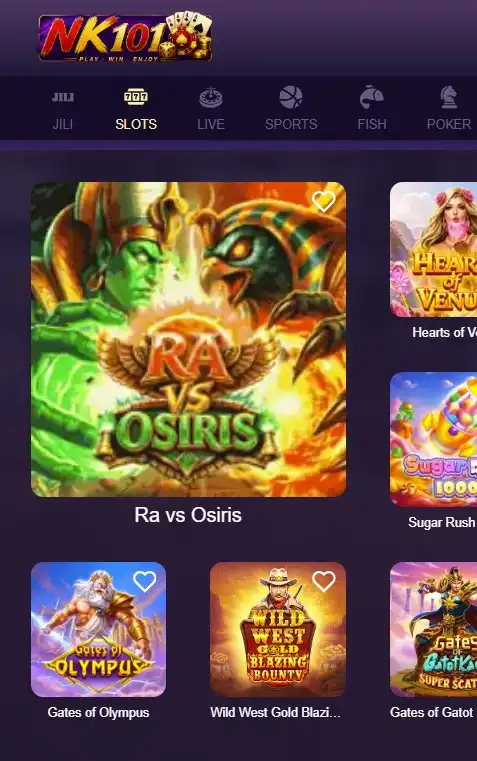
The main purpose of the NK101 App is to bring the mobile gaming sections together in a format designed for a smaller touchscreen.
Once logged in, players can move between the available casino and betting areas, open account settings and access the cashier without returning to a desktop computer. The exact lobby changes as games and events are added or removed, but the core benefit remains portability.
Casino players can browse available categories and open compatible titles directly on the phone. Sports users can inspect events, select markets and manage their bet slip from the same device.
Account functions matter too. Depending on what is currently enabled, users can access profile information, transaction areas, promotional sections and support.
NK101 Mobile access is particularly useful for short sessions. Checking a transaction or an upcoming sports market does not require sitting down at a computer.
A smaller display does require more care, though. Before confirming a wager or payment, double-check the stake and other details instead of relying on a quick glance.
NK101 App Bonus of NPR 100
For players in Nepal, the mobile promotion highlighted for the application is NPR 100. An advertised reward should still be treated as a promotion with conditions rather than automatic cash available for immediate withdrawal.
Before claiming the NPR 100 offer, open its current rules inside the promotional section. Check who qualifies, whether the reward is restricted to new application users, whether an account action is required and what wagering or usage conditions apply.
The timing can matter as well. If activation has to happen before a deposit or before the first game is played, doing things in the wrong order could affect eligibility.
The safest sequence is to install the application, sign in and locate the offer before performing any qualifying action. Read the current conditions displayed with the promotion and follow those instructions.
For anyone specifically considering the NK101 App Nepal version because of the NPR 100 offer, the bonus should be viewed as an extra feature rather than the only reason to install the software.
Updating the App
Browser-based platforms update on the server side, but installed Android packages can sometimes require a newer version.
If the application displays an update notice, follow the official update route provided there. In some cases, this means downloading a newer APK and installing it over the existing version.
Do not immediately uninstall the old application unless the update instructions require it. Installing a compatible newer build over the current version may preserve local settings more conveniently.
Your gaming profile and balance should be tied to the account rather than to the APK file stored on the phone. Even so, make sure you know your login credentials before making major application changes.
The NK101 Android experience may evolve with new builds, so keeping an outdated package indefinitely can eventually cause compatibility or login problems.
Fixing Installation Errors
An APK can fail to install for several ordinary reasons. A damaged download, insufficient storage, an unsupported operating system or missing installation permission can all stop the process.
Start with the simplest checks. Confirm that the file finished downloading and that the phone has free space. Then check whether the browser or file manager has permission to install applications.
If the package still fails, delete it and obtain a fresh copy through the appropriate channel. Repeatedly tapping a broken file will not repair it.
Another common problem appears when an older version conflicts with the new package. Check the update instructions before removing anything, particularly if you are unsure of your login credentials.
Avoid applications that promise to “repair” or modify an APK. Adding another unknown program usually creates more risk than it solves.
The NK101 APK installation process should not require disabling every Android security feature. If instructions from an unofficial page ask you to turn off broad device protections permanently, do not continue.